
Running low on credits
What happens near the end of your credits, and how to get more right away.
Updated October 12, 2026
We tell you in the studio, and by email if you like, when you have used most of this month’s credits. Running out never deletes anything: your projects and live apps keep working.
Steps to get more credits
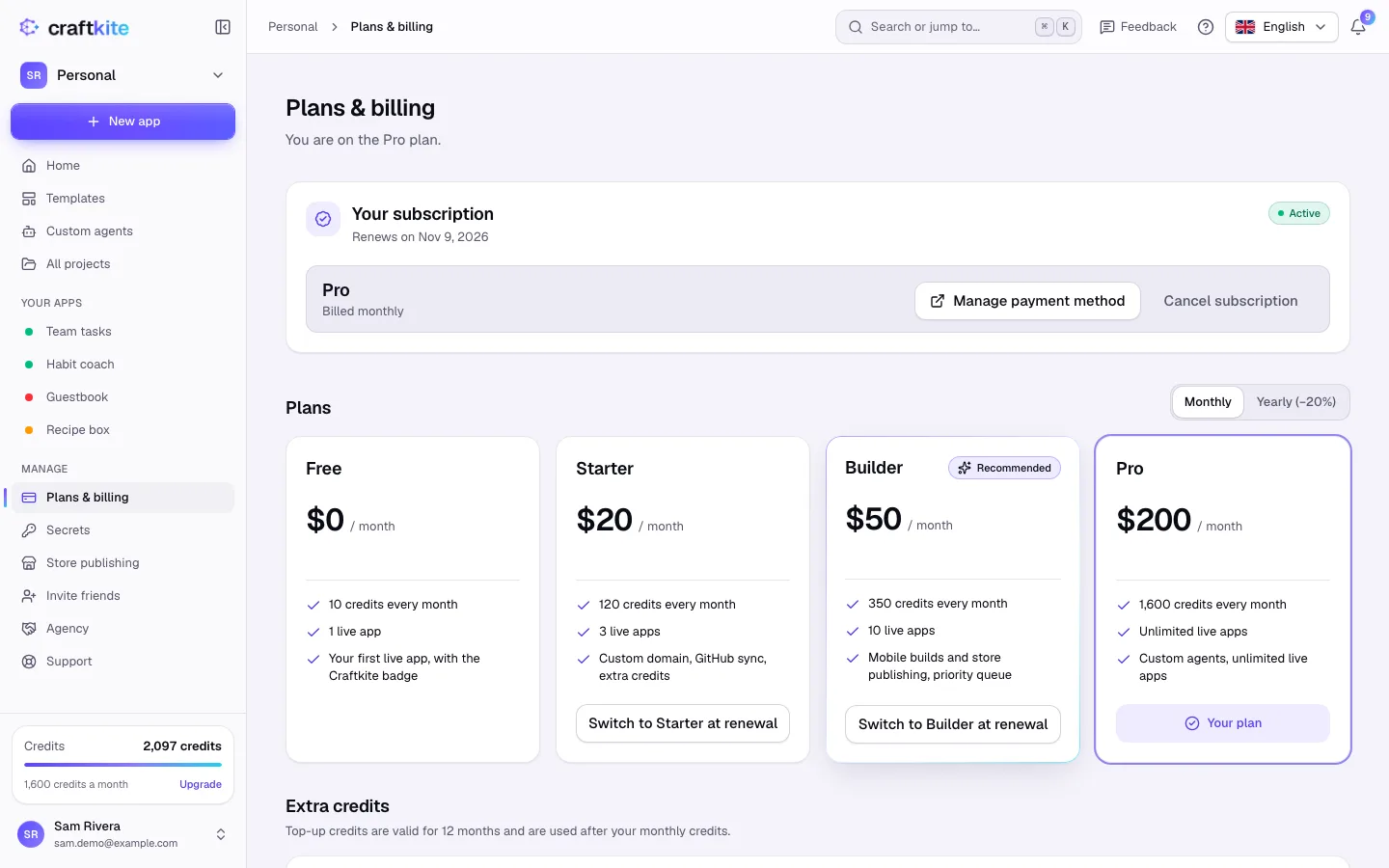
- Open Plans & billing.
- Under Extra credits, pick a pack and click Buy. Extra credits are available at once and stay valid for the number of months shown on Pricing (on plans that include extra credits).
- Or choose a bigger plan under Plans: upgrades apply immediately with the new monthly credits.
Never run out in the middle of work
Turn on Buy credits automatically: choose a Pack and the balance under which it is bought (When the balance falls below), then click Save.
On the Free plan
The Free plan has a daily limit as well as a monthly one. The daily limit decides when new work can start: a task that has started always finishes, and continuing a task stopped at its credit limit is not held back by it. What a task uses beyond today’s limit counts toward today, so the next new app or change waits until tomorrow (00:00 UTC) — or upgrade. Have a prepaid plan code? Enter it under Redeem a code to start the plan right away, no card needed.